Understanding TradingView: An Overview
In the fast-paced world of trading, having a reliable platform to analyze data, track market movements, and make informed decisions is crucial. TradingView is an innovative tool that caters to traders of all levels, providing an integrated workspace that combines charts, alerts, and strategy testing in one seamless experience. This article delves into the core features of TradingView, its significance for different trading styles, and the benefits it offers for effective market analysis.
What is TradingView and Its Core Features?
TradingView is a powerful financial charting platform that allows users to visualize market data across various asset classes, including stocks, forex, cryptocurrencies, and derivatives. The platform is renowned for its user-friendly interface, extensive customization options, and robust analytical tools. Key features of TradingView include:
- Comprehensive Charting: Users can create advanced charts with various indicators, overlays, and time frames to suit their trading strategies.
- Pine Script: This unique scripting language enables traders to design custom indicators, alerts, and strategies tailored to their specific needs.
- Real-Time Data: TradingView provides 7×24 access to real-time market data, making it ideal for both day traders and long-term investors.
- Community Insights: Users can browse and share trading ideas and setups through the platform's social features, benefiting from the collective knowledge of the community.
- Alerts and Notifications: Traders can set alerts for price movements, technical indicators, and custom conditions, ensuring they never miss crucial market events.
How Does TradingView Cater to Different Trading Styles?
One of the defining strengths of TradingView is its versatility, accommodating various trading styles, including day trading, swing trading, and long-term investing. Day traders benefit from the platform's real-time data and customizable alerts to capture short-term opportunities. Swing traders can utilize the extensive technical analysis tools to identify potential trends, while long-term investors appreciate the ability to perform in-depth research and monitor macroeconomic indicators that could impact their investments.
Moreover, TradingView's multi-layout capabilities allow users to analyze multiple markets simultaneously, making it an excellent choice for traders who operate across different asset classes. By adapting to individual trading styles, TradingView empowers users to execute their strategies with confidence.
Benefits of Using TradingView for Market Analysis
TradingView's comprehensive feature set confers numerous benefits for traders looking to enhance their market analysis:
- Easy to Use: The intuitive interface ensures that even novice traders can navigate the platform with ease, allowing for rapid mastery of its tools.
- Customizable Workspaces: Users can tailor their environments to focus on specific assets, time frames, or strategies, optimizing their workflow.
- Integrated Research Tools: With news feeds, economic calendars, and analyst opinions integrated into the platform, users can access all necessary information from a single workspace.
- Cross-Device Compatibility: TradingView is available on web browsers, desktop applications for Windows and macOS, as well as mobile apps for iOS and Android, ensuring users can analyze markets on the go.
Setting Up Your Trading Workspace
To maximize the effectiveness of TradingView, it’s essential to set up a structured and personalized trading workspace. This section outlines the essential components to consider, along with tips for optimizing your TradingView experience.
Essential Components for an Effective Trading Setup
An effective trading setup requires a combination of technical tools and organizational strategies. Key components include:
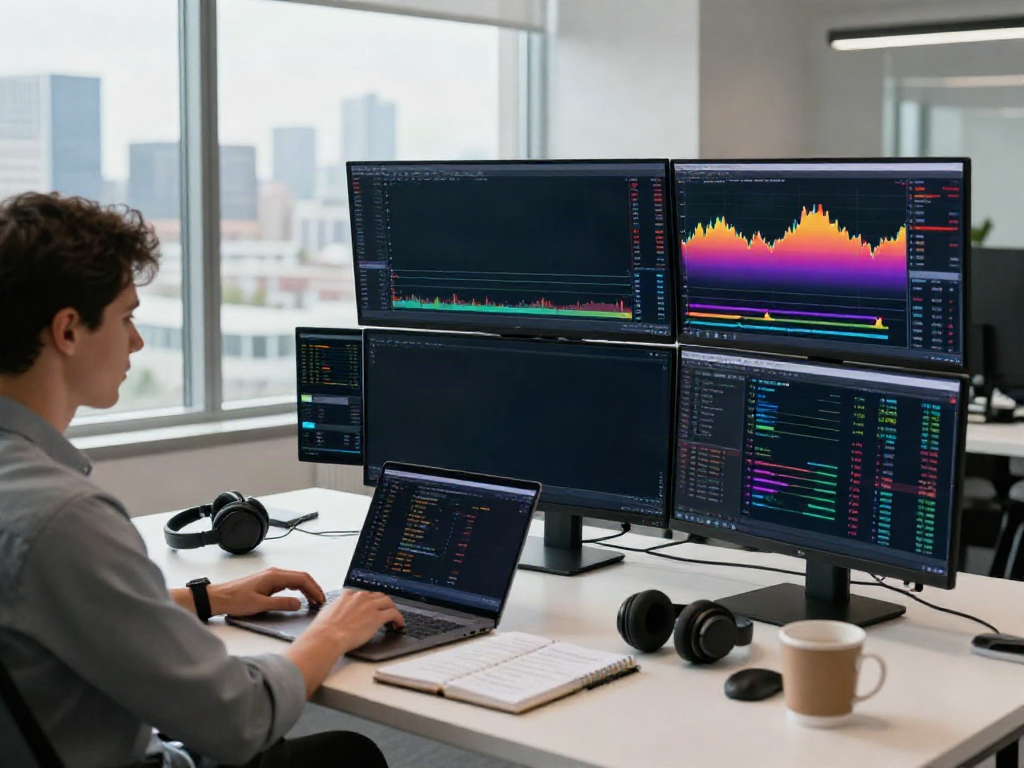
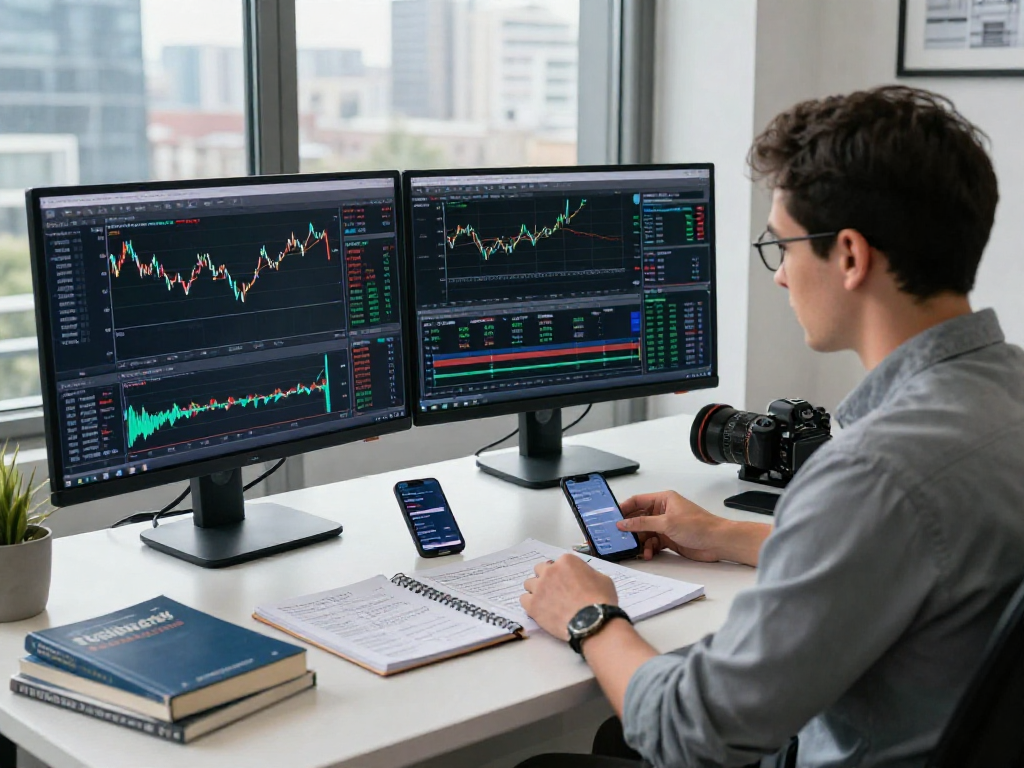
- Multiple Monitors: Utilizing multiple screens allows traders to monitor various charts and assets simultaneously, increasing efficiency.
- High-Speed Internet Connection: A fast and reliable internet connection is crucial for real-time data streaming and executing trades without delays.
- Ergonomic Workstation: An ergonomic chair and desk setup can significantly enhance comfort during long trading sessions, reducing fatigue and focusing distractions.
- High-Quality Charts: In TradingView, charts are highly customizable. Use varying time frames and indicators to paint a complete picture of the market.
Personalizing Your TradingView Layout
TradingView provides ample opportunities for customization, enabling traders to create layouts that suit their preferences and trading styles. Here are steps for personalizing your layout:
- Select the chart type that best suits your trading style (e.g., candlestick, line, or bar charts).
- Utilize the customized indicators from the built-in library or create your own using Pine Script.
- Arrange multiple charts in a grid layout to monitor various asset classes or time frames, facilitating a comprehensive view of the market.
- Save your layout for easy access in future sessions, ensuring consistency in your trading approach.
Integrating Alerts and Tools for Optimal Performance
Setting alerts is one of TradingView's powerful features, allowing traders to respond quickly to market movements. To optimize performance:
- Configure alerts based on critical technical levels, such as support and resistance zones, moving averages, or specific candlestick patterns.
- Utilize the news and economic calendar tools to set alerts on significant market events that could influence trading decisions.
- Combine alerts with your trading strategy to ensure you are making informed decisions without constantly monitoring the screen.
Building a Research Framework
Establishing a robust research framework is essential for any trader aiming to refine their strategies and validate their ideas. In this section, we will outline how to create a sustainable research approach using TradingView’s resources.
Creating Your Own Trading Strategy Using TradingView
The first step in building a successful trading strategy involves defining clear objectives and parameters. Traders can leverage TradingView to backtest different strategies by utilizing historical data to assess effectiveness. Here’s how to get started:
- Identify the asset class and time frame that aligns with your trading style.
- Use TradingView’s built-in indicators to determine entry and exit signals based on technical analysis.
- Backtest the strategy using TradingView’s Strategy Tester, which allows you to measure key metrics such as win rates and maximum drawdowns.
- Continuously refine and iterate your strategy based on market feedback and performance analysis.
Utilizing Pine Script for Custom Indicators
Pine Script is one of TradingView's standout features, allowing users to create custom indicators and trading strategies. Here’s how to effectively use Pine Script:
- Start by familiarizing yourself with the Pine Script documentation and syntax to understand its capabilities.
- Develop simple scripts for standard indicators like moving averages and RSI to assess their performance within your strategy.
- Experiment with more complex scripts that incorporate multiple indicators and market conditions, enhancing your trading analysis.
- Share your scripts with the TradingView community to receive feedback and improve your coding skills.
Best Practices for Conducting Market Research
Conducting thorough market research is vital for informed trading decisions. In TradingView, users can adopt several best practices:
- Leverage the platform's social features to engage with other traders and gauge market sentiment.
- Utilize the heatmaps and screeners to quickly identify trending assets and market movers.
- Regularly review overall market conditions using economic indicators and news developments to stay informed of potential risks.
Managing Risk and Performance
Risk management is an integral aspect of trading, ensuring that potential losses are minimized while capitalizing on profitable opportunities. TradingView provides numerous tools to support effective risk management and performance monitoring.
Using TradingView to Backtest Your Strategies
Backtesting is a critical step in validating any trading strategy. Using TradingView's Strategy Tester, traders can:
- Input historical data to simulate trades based on predefined parameters, assessing how a strategy would have performed in the past.
- Analyze the results to identify successful entry and exit points, risk-reward ratios, and drawdown measures.
- Use this data to improve and refine your strategies before transitioning them to live trading environments.
Understanding Metrics: Win Rates and Drawdowns
To evaluate the performance of any trading strategy, understanding key metrics such as win rates and drawdowns is essential:
- Win Rate: This metric indicates the percentage of trades that were profitable. It is crucial for determining the effectiveness of a strategy.
- Maximum Drawdown: This metric reflects the largest decrease in account equity from a peak to a trough. Keeping drawdowns minimal is vital for long-term success.
- By analyzing these metrics within TradingView’s analytics, traders can make informed decisions about whether to adjust, maintain, or abandon particular strategies.
Adapting to Market Changes Using TradingView Tools
The market environment is ever-changing; hence, the ability to adapt is crucial for traders. Utilizing TradingView's tools can provide insights on how to adjust strategies based on market conditions:
- Utilize alerts to ensure timely responses to market events, such as breaking news or significant price movements that can impact positions.
- Conduct periodic reviews of market performance and keep an eye on economic indicators to adjust trading approaches as needed.
- Engage with the TradingView community to gather insights and adapt your strategies based on collective experiences and feedback.
Future Trends in Trading Technology and TradingView
As technology continues to evolve, so do the tools available for traders. In this section, we will explore emerging features in TradingView and how advancements in technology can reshape trading practices.
Emerging Features and Innovations in TradingView
TradingView is consistently updating its platform to enhance user experience. Some future trends to watch include:
- Enhanced AI Capabilities: Machine learning algorithms may be integrated into TradingView to provide personalized trading recommendations based on user behavior and market trends.
- Advanced Charting Tools: Future updates may introduce even more sophisticated charting and analysis tools, including augmented reality options for immersive trading experiences.
- Streamlined Collaboration: Features enabling real-time collaboration and shared workspaces for traders may facilitate more effective group trading strategies and ideas.
How Artificial Intelligence is Shaping Trading Tools
Artificial intelligence is transforming trading technology, allowing for improved predictions and decision-making processes. TradingView may leverage AI in various ways:
- Automated trading systems that adapt to changing market conditions based on historical performance data.
- Enhanced predictive analytics that help traders forecast price movements more accurately through advanced modeling techniques.
- AI-driven bots that execute trades based on user-defined criteria and can learn from past trading patterns to improve outcomes.
Preparing for Future Market Dynamics in 2026 and Beyond
As we approach 2026, traders need to remain adaptable and forward-thinking. Key preparations include:
- Staying informed on regulatory changes that may impact trading practices across different regions.
- Continuously learning about new trading strategies, tools, and asset classes to remain competitive in a fast-evolving market.
- Building a diverse portfolio that can withstand fluctuations and capitalize on emerging market trends.
Frequently Asked Questions
What types of assets can I trade on TradingView?
TradingView supports trading across a vast array of asset classes, including stocks, ETFs, forex pairs, cryptocurrencies, indices, commodities, and futures. This extensive coverage allows traders to diversify their investments and take advantage of global market opportunities.
How do I set alerts for price movements in TradingView?
Setting alerts in TradingView is straightforward. Simply right-click on the chart at your desired price level, select "Add Alert," customize the parameters, and save. You can choose to receive notifications via email, SMS, or within the app itself, ensuring you're always informed of significant market movements.
Can I integrate my broker with TradingView for direct trading?
Yes, TradingView allows for broker integration in select regions, providing users the capability to trade directly from the TradingView platform. This feature streamlines the trading process, enabling users to execute trades without switching between multiple applications.
What are the advantages of using Pine Script?
Pine Script offers numerous advantages for traders, including the ability to create custom indicators and strategies tailored to specific trading methodologies. It empowers users to backtest their ideas efficiently and share their work with the TradingView community for collaboration and feedback.
How can I optimize my TradingView layout for better analysis?
To optimize your TradingView layout, consider configuring multiple charts to monitor different assets, utilizing various time frames for comprehensive analysis, and incorporating essential indicators to aid in decision-making. Customizing your layout based on your trading strategy can significantly enhance clarity and effectiveness.