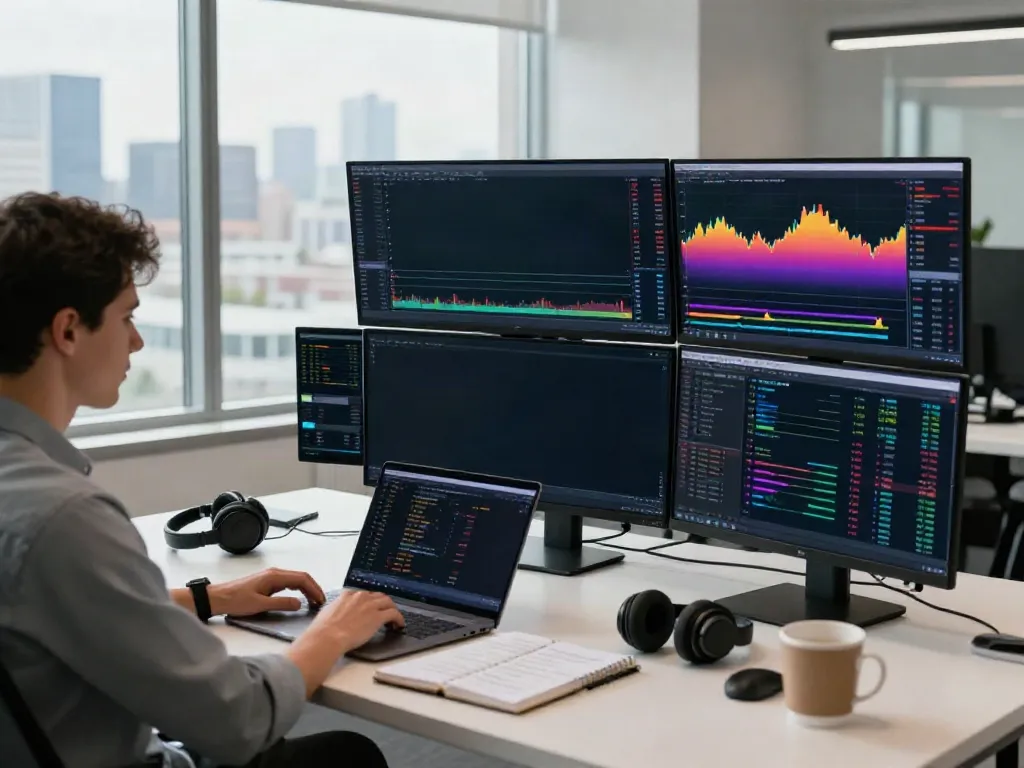
Understanding the Key Features of TradingView
TradingView stands as a pivotal platform in the financial trading landscape, offering a comprehensive suite of tools designed for traders and investors alike. With its powerful charting capabilities, community insights, and extensive market coverage, TradingView transforms complex market data into actionable trading strategies. Whether you're navigating the stock, forex, or cryptocurrency markets, TradingView provides a unified interface that houses everything from market analytics to trading execution.
What is TradingView and Its Core Functions?
Launched in 2011, TradingView has quickly gained traction as the go-to platform for market analysts and traders globally. At its core, TradingView offers:
- Real-time Market Data: Access to up-to-the-minute quotes across various asset classes including stocks, forex, and cryptocurrencies.
- Advanced Charting Tools: Users can analyze price movements with multiple chart types, technical indicators, and drawing tools.
- Community Insights: TradingView fosters a robust social community where users share trading ideas, scripts, and market analyses.
- Custom Script Programming: The Pine Script editor allows users to write custom indicators and backtest strategies.
Utilizing Charts and Graphs Effectively
Charts are the heart of TradingView, enabling traders to visually interpret price movements and identify patterns. The platform supports various chart types, including:
- Candlestick Charts: Ideal for observing market volatility and price action over different time frames.
- Line and Area Charts: Useful for spotting long-term trends and general price movements.
- Renko and Kagi Charts: Perfect for traders focusing on price action rather than time, filtering noise in volatile markets.
By overlaying technical indicators such as moving averages and RSI, traders can fine-tune their strategies to enhance decision-making.
Exploring Pine Script for Custom Indicators
Pine Script is TradingView's unique scripting language that empowers users to create custom indicators and alerts. With Pine Script, traders can:
- Create personalized technical indicators tailored to their trading strategy.
- Backtest strategies to evaluate performance over historical data.
- Publish scripts for community use, contributing to a dynamic pool of shared knowledge.
Mastering Pine Script can significantly boost a trader's analytical capabilities, enabling more precise market predictions.
Common Mistakes New Users Make on TradingView
While TradingView is user-friendly, new traders often overlook powerful features that can enhance their trading experience. Identifying these common pitfalls is the first step towards becoming a proficient user.
Overlooking Platform Features and Tools
Many new users are unaware of the extensive range of tools available on TradingView, such as heat maps, market news, and economic calendars. By neglecting these features, traders miss out on crucial insights that may influence their trading decisions.
Ignoring Community Insights and Scripts
TradingView's community of traders actively shares strategies, ideas, and scripts that can benefit others. Ignoring this wealth of information can limit a trader's perspective and potential profit strategies. Engaging with community publications can provide unique insights into market trends.
Failing to Customize Settings for Personal Needs
Each trader has unique preferences regarding layout and notification settings. Many new users stick with default configurations, which may not suit their trading style. Customizing these settings can lead to a more personalized and effective trading experience.
Best Practices for Effective TradingView Usage
To maximize the benefits of TradingView, it is crucial to establish a structured approach to using the platform's features effectively.
Creating a Seamless Workflow on the Platform
Establishing a consistent workflow is essential for maintaining focus and efficiency. Traders should:
- Set up pre-defined layouts for different asset classes.
- Utilize watchlists to keep track of selected instruments.
- Employ keyboard shortcuts for quick navigation and action.
Setting Up Alerts and Notifications
Using alerts is vital for staying informed about market movements without constantly monitoring the charts. Traders can set up triggers based on specific price levels, technical indicators, or events, allowing for timely decision-making.
Regularly Reviewing and Backtesting Strategies
Continuous improvement is key in trading. Regularly reviewing past trades and backtesting strategies with TradingView's Strategy Tester helps identify strengths and weaknesses, facilitating ongoing refinement.
Advanced Strategies Leveraging TradingView
Once traders become comfortable with the basics, they can explore more advanced strategies that leverage TradingView's powerful tools and features.
Integrating Technical Analysis with TradingView Tools
Combining technical analysis with TradingView’s capabilities can lead to more informed trading decisions. By incorporating indicators, chart patterns, and price action analysis, traders can craft comprehensive strategies that align with market conditions.
Utilizing Multi-Timeframe Analysis for Better Insights
Multi-timeframe analysis enhances a trader's ability to identify market trends and reversals. By analyzing price action across different timeframes, traders can align short-term trades with long-term market movements.
Connecting TradingView with Brokers for Seamless Execution
For many users, TradingView is more than just an analytical tool; it serves as a direct connection to broker accounts. Ensuring seamless execution through integrated broker connections streamlines the trading process, facilitating quicker responses to market changes.
Future Trends in Trading and TradingView Innovations for 2026
The world of trading continues to evolve rapidly. Staying informed about emerging trends can help traders adapt and thrive in changing market landscapes.
Emerging Technologies and Their Impact on Trading
Technological advancements such as AI and machine learning are set to transform trading strategies. TradingView is likely to integrate more sophisticated algorithms enabling predictive analytics, offering traders unprecedented insights into market behavior.
The Evolution of TradingView’s Features
As user needs evolve, so does TradingView. Upcoming features may include enhanced social trading capabilities, improved customization options, and expanded asset classes to reflect growing global markets.
Predictions for Market Behavior and User Adaptation
Market volatility will likely continue as economic conditions fluctuate globally. Traders must remain agile, adapting their strategies and utilizing tools like TradingView to keep abreast of rapid changes.
Is TradingView Free for New Users?
While TradingView offers a free tier with essential features, users can explore premium subscriptions that unlock additional functionalities and data access, making it a versatile tool for various trading needs.
Can You Make Money Using TradingView?
Success on TradingView, as with any trading platform, relies on education, strategy development, and disciplined execution. With the right approach, users can certainly achieve financial success.
What Makes TradingView Stand Out from Competitors?
TradingView's unique blend of community interaction, comprehensive tools, and user-friendly interface sets it apart from other trading platforms, making it a preferred choice for many traders.
How to Optimize TradingView for Your Style?
By customizing layouts, alerts, and indicator settings, traders can tailor TradingView to match their individual trading style, enhancing usability and effectiveness.
Is TradingView Suitable for Beginners?
Absolutely! TradingView caters to all levels of expertise—from beginners seeking to learn the ropes to seasoned traders looking for advanced analytical tools. Its intuitive design and educational resources make it easy for newcomers to get started.